Are Projectors Better Than TVs? A Beginner's Guide
The question comes up constantly: should I buy a TV or a projector? It sounds like a simple comparison, but it's actually the wrong question. A better way to frame it is: what experience do you want, and where do you want it? The honest answer is that projectors and TVs do different things well — and understanding where each excels will help you make the right choice the first time.
In this article
How projectors work
At its simplest, a projector takes a video signal and converts it into a beam of precisely shaped light, which it then projects onto a surface — ideally a dedicated screen. What makes modern projectors interesting is the sophistication of that process. Unlike early projectors that simply amplified a bulb through a slide, today's units use advanced imaging chips to process video frame-by-frame, apply HDR tone mapping, and deliver colour accuracy that rivals a premium TV.
The two dominant imaging technologies you'll encounter are DLP (Digital Light Processing) and 3LCD. Each has distinct characteristics.
DLP — Digital Light Processing
Millions of tiny mirrors on a single chip
DLP projectors direct light onto a chip covered in microscopic mirrors, each representing one pixel. The mirrors tilt thousands of times per second to control how much light reaches each part of the image. A spinning colour wheel sequences the red, green and blue light components.
Best for: High contrast, sharp edges, compact units, gaming (low input lag), budget buyers.
Watch out for: "Rainbow effect" — brief colour fringing visible to some viewers when bright objects move across a dark background.
3LCD — Liquid Crystal Display
Three separate panels, one per colour channel
3LCD projectors split incoming light through a prism into three beams — red, green and blue — each of which passes through its own dedicated LCD panel before being recombined by a lens. No colour wheel is required, which eliminates rainbow artefacts entirely.
Best for: Accurate colour, family viewing, smooth gradients, uniformly bright images.
Watch out for: Larger physical size and typically higher price points than equivalent DLP models.
Light sources: lamp, LED and laser
The imaging chip defines the character of the picture; the light source defines its brightness, longevity and running costs. This distinction matters more than most buyers realise.
Traditional Lamp
Lowest upfront cost. Excellent colour depth and "warm" image character. Typical lifespan of 3,000–5,000 hours before the image noticeably dims. Replacement bulbs cost £50–£150.
LED
Found in compact and portable projectors. Very long lifespan (20,000+ hours), cool running, silent fans. Brightness is limited — typically best for bedroom or gaming room use rather than a main cinema.
Laser
The premium standard. Instant on/off, consistent colour throughout its 20,000+ hour life, and sufficient brightness for living room use. Higher upfront cost but zero ongoing bulb expenses.
Projector vs TV: the honest comparison
Both formats have real strengths, and the right choice is always determined by your specific situation. Here's where each genuinely wins.
Where a TV beats a projector
- Bright rooms: Even the best projectors struggle in well-lit rooms. A 1,000-nit OLED TV looks spectacular in full daylight; most projectors look flat.
- Convenience: Instant on, no warm-up, no ambient light management needed. TVs are always ready.
- Gaming: High-end TVs now achieve 1ms response times and 144Hz refresh rates. Projectors are catching up but TVs still lead for competitive gaming.
- HDR performance: OLED TVs deliver true HDR with pixel-level control. Projectors approximate HDR through tone-mapping, which is impressive but different.
Where a projector beats a TV
- Screen size per pound: A 120-inch 4K projection setup costs a fraction of a 120-inch TV, which would be financially extraordinary (and physically impractical).
- Cinematic immersion: Projected light is reflected, not emitted directly. Many viewers find this less fatiguing for long sessions and describe it as closer to the cinema experience.
- Flexibility: A projector can be rolled away, ceiling-mounted, or pointed at different surfaces. A 75-inch TV is fixed.
- Impact for events: Nothing beats a 100-inch projected screen for a big match, awards ceremony or family film night.
Understanding throw distance
Throw distance is the measurement from the projector lens to your screen surface. It directly determines how large your image will be at any given distance, and it's calculated using the projector's throw ratio.
A throw ratio of 1.5:1 means you need 1.5 metres of distance for every metre of screen width. So a 2.2-metre-wide screen (approximately 100 inches diagonal) needs the projector 3.3 metres away. Most manufacturers publish a throw calculator on their website — always verify your room dimensions before purchasing.
Long Throw
Needs 3–5 metres for a 100" image. Best for large, dedicated cinema rooms. Can be ceiling-mounted.
Short Throw
Needs 1–2 metres for a 100" image. Great for smaller rooms. Can sit on a shelf or coffee table.
Ultra Short Throw
Needs under 50cm for 100" image. Sits on a sideboard directly below the screen. No ceiling mount needed.
Resolution and why it matters more on large screens
On a 55-inch TV viewed from 2.5 metres, the difference between 1080p and 4K is real but subtle. Scale that same image up to 120 inches and the gap becomes obvious — fine detail stays crisp in 4K while 1080p begins to look soft when you're within 3 metres of the screen.
Note that not all "4K projectors" are equal. True native 4K uses a full 8.3 million pixel imaging chip. Pixel-shifting 4K (common in the mid-range) uses a 1080p or 2K chip that shifts the pixels rapidly to simulate 4K detail. Both produce noticeably better results than native 1080p at large screen sizes, but native 4K is the sharper of the two.
How to set up a projector
Modern projectors are significantly easier to set up than their reputation suggests. Most include two key alignment features that eliminate the need for precise physical positioning:
- Lens shift: Lets you move the image vertically and horizontally without moving the projector itself. Essential if ceiling-mounting at an angle.
- Keystone correction: Digitally squares up the image if the projector can't be positioned perfectly perpendicular to the screen. Slight keystone correction has a negligible impact on image quality.
Connectivity is equally straightforward. Most current projectors have HDMI 2.1 inputs, which handle 4K at 120Hz for gaming. Many also include built-in streaming platforms (Android TV or similar), so you don't need a separate streaming device.
Ready to buy? Projectors at Argos
Browse our selected picks currently available at Argos — all with home delivery or Click & Collect.
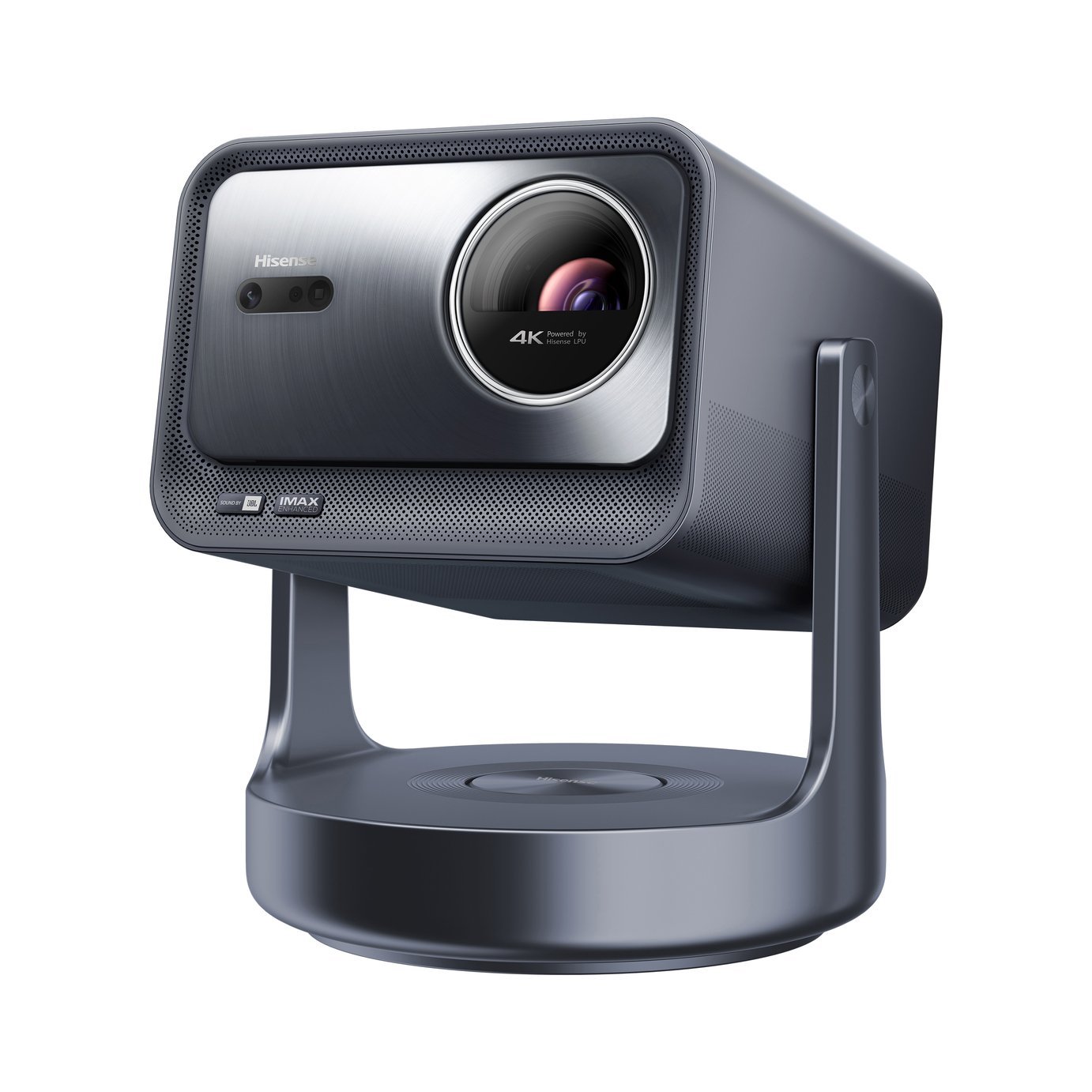
Triple-laser · 4K UHD · Built-in JBL speaker · No installation required
View at Argos →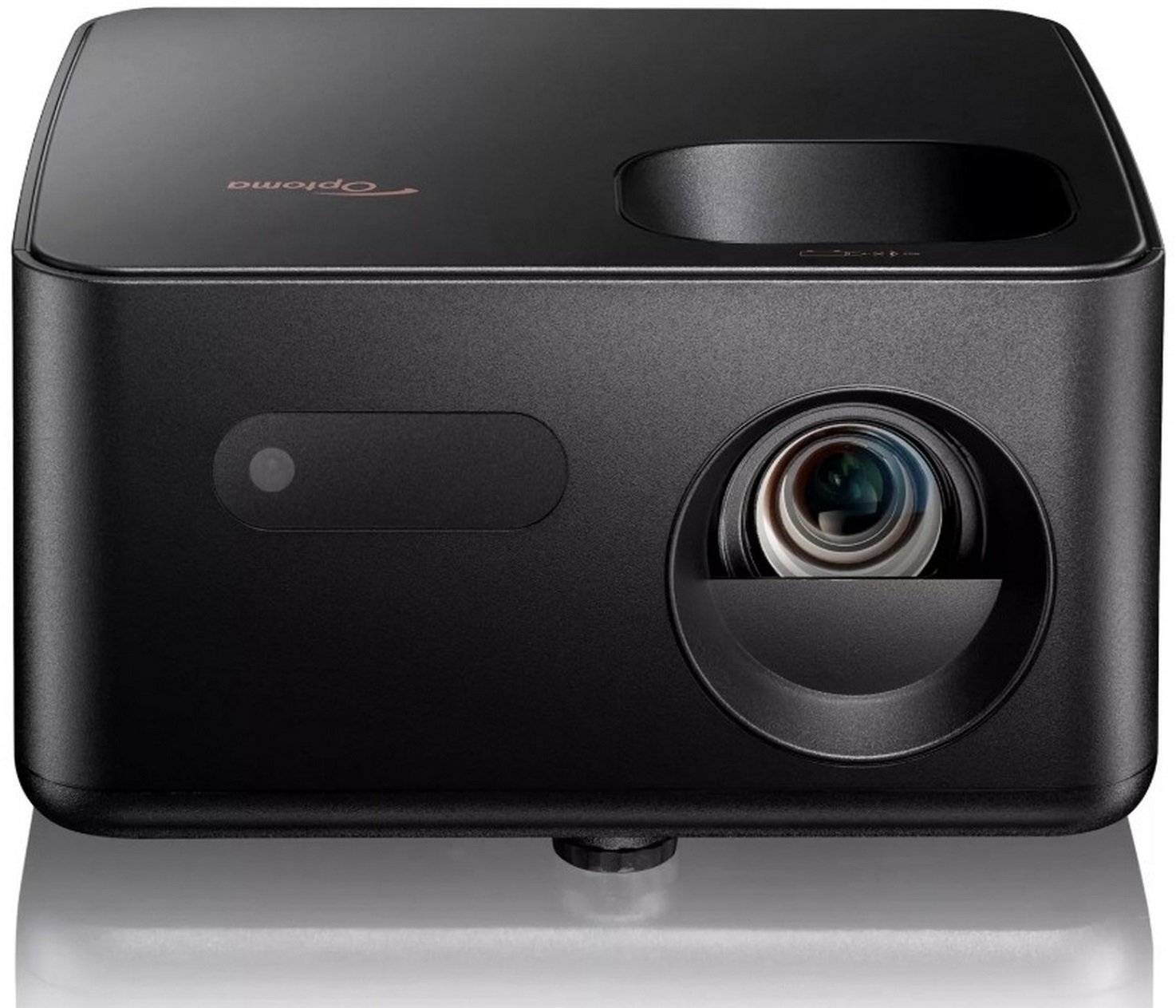
4K UHD · 900 lumens · Compact & portable · HDR support
View at Argos →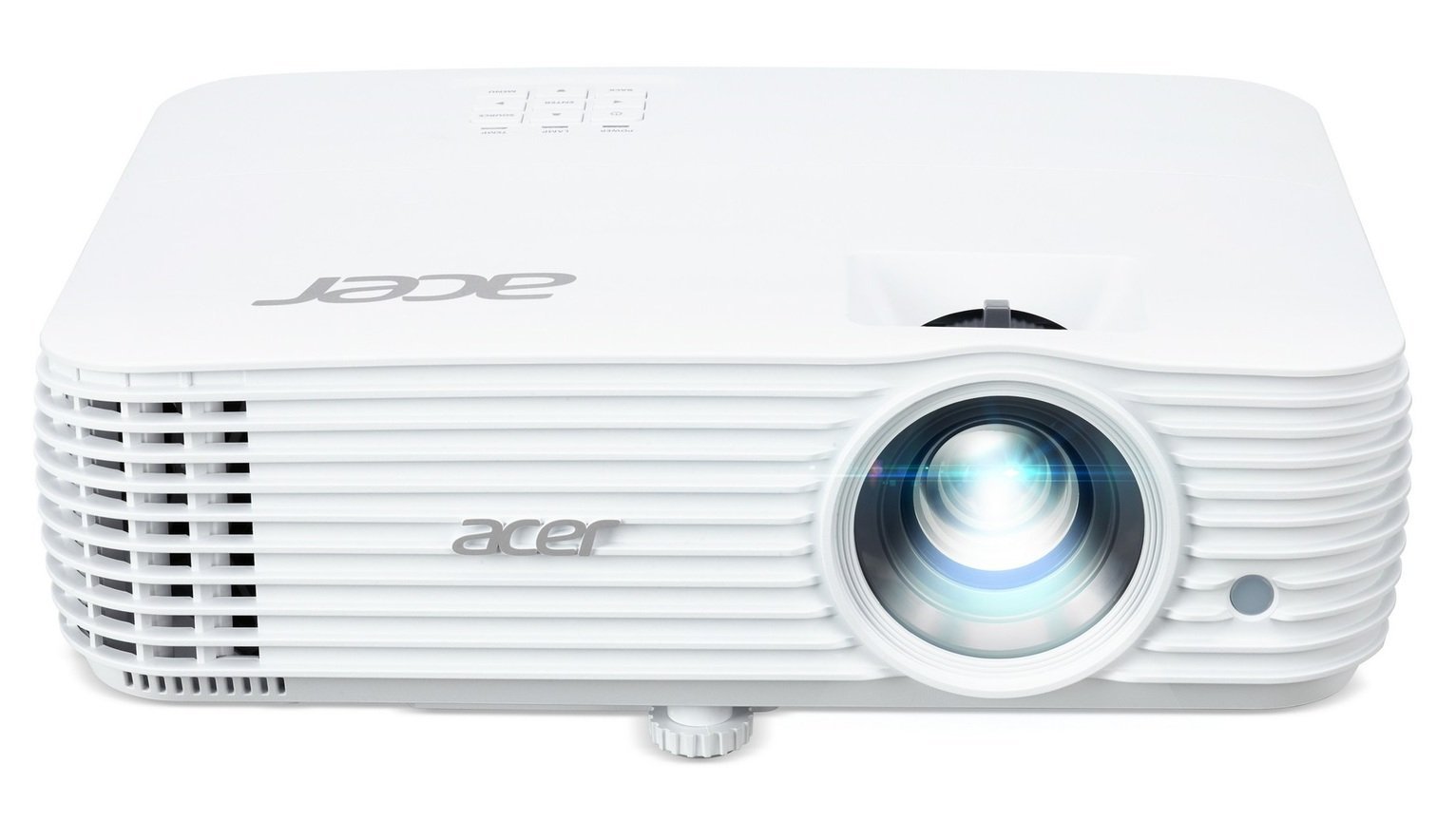
4K UHD DLP · 4,000 lumens · Long throw · Great for dedicated cinema rooms
View at Argos →